
GitLab Runner service registration and job capture
Environment setup
You can follow https://docs.gitlab.com/runner/development/README.html (opens in a new tab) to set this up. Note that the Go version is best kept at go1.8.7. With a newer Go version, the install may fail.
Command registration
When gitlab-runner registers a runner, it needs three commands: register, install, and start. install and start are only for service registration.
At the entry of main.go (opens in a new tab), it calls common.GetCommands() (opens in a new tab)
That function registers commands. The core is:
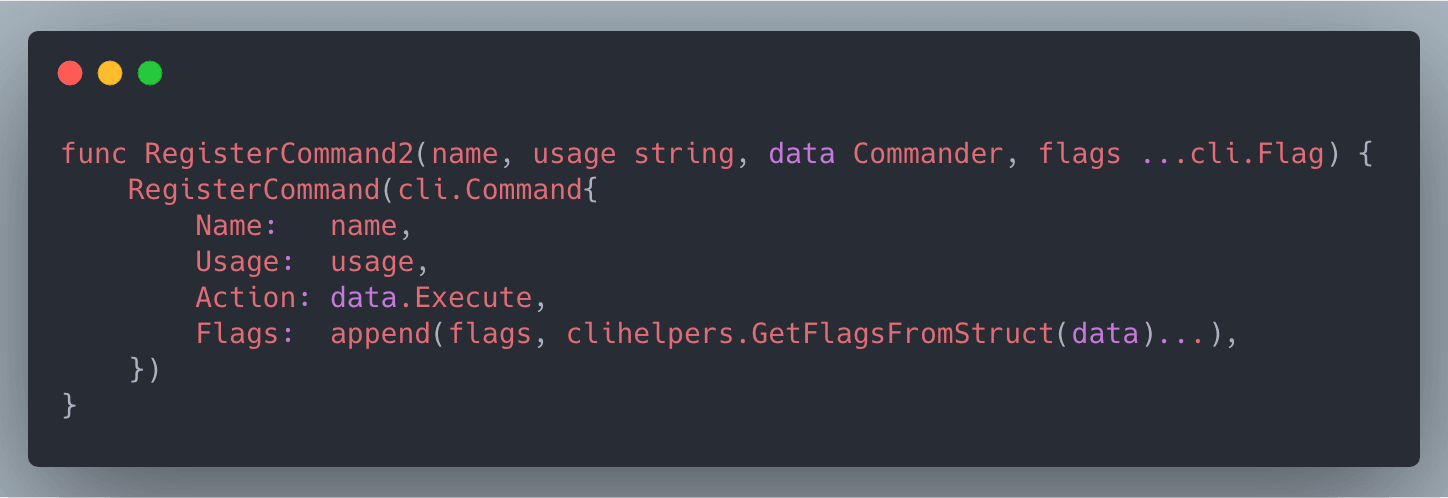
Name is the command we register. Action is the method that runs after you invoke it.
To register a command, call RegisterCommand2(name, description, action type).
register
commands/register.go has an init function that registers register
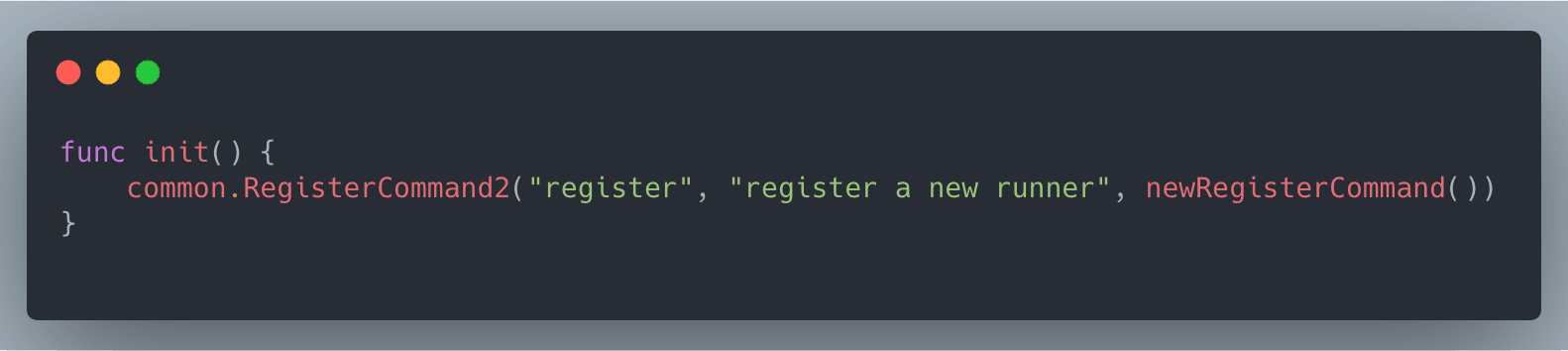
newRegisterCommand must return something with Execute, which is the action for register.
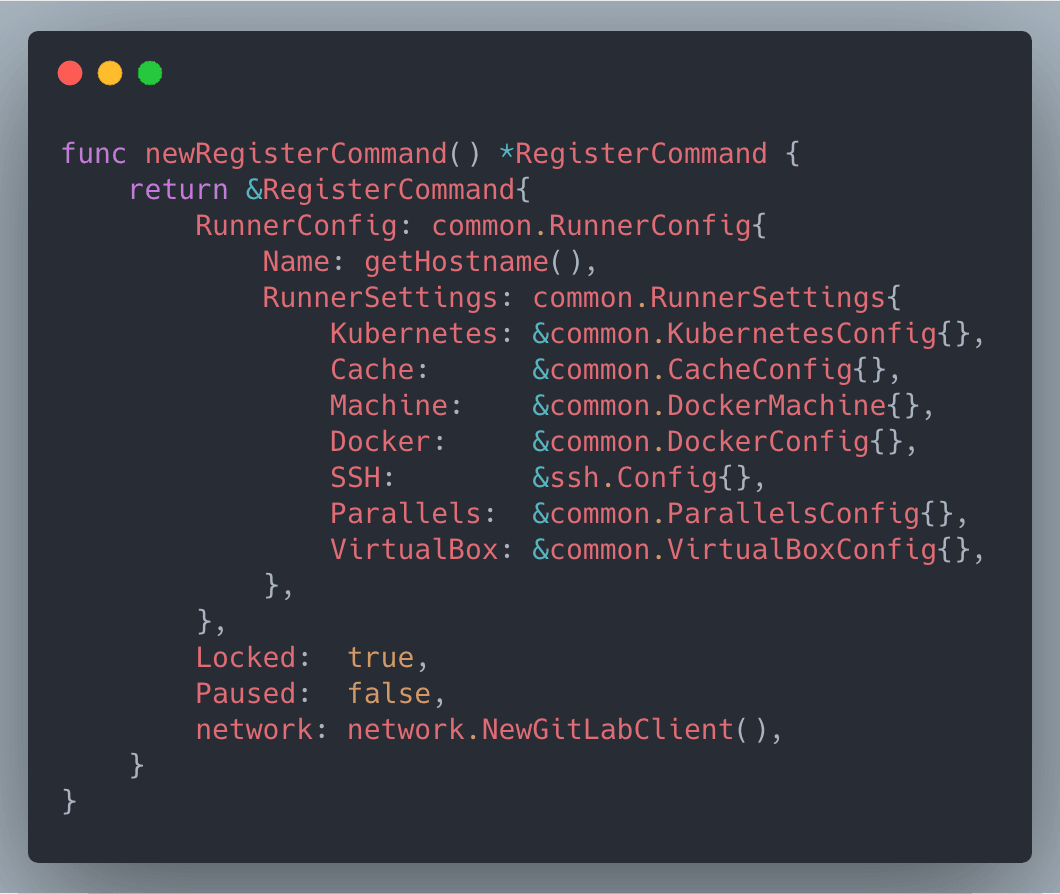
It returns a RegisterCommand, and that type implements Execute.
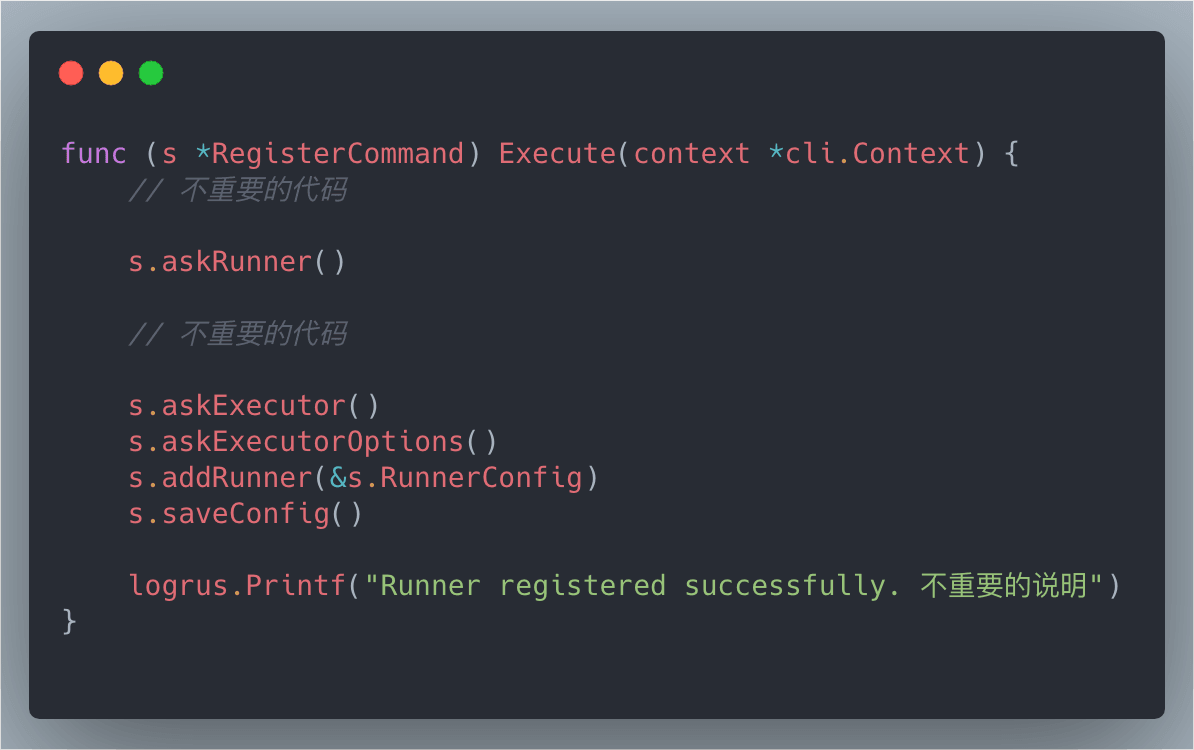
s.askRunner() is the prompts you get after typing the command: gitlab-ci URL, token, description, tags.
Inside askRunner, after you finish typing, there is a check that the values can actually connect to GitLab CI.
Nothing much to say about that. After askRunner come askExecutor and askExecutorOptions. Those ask which executor you want, the prompt we all know: Please enter the executor: docker+machine, docker, docker-ssh, shell, docker-ssh+machine, kubernetes, parallels, ssh, virtualbox:
When you’re done, the values are saved to ~/.gitlab-runner/config.toml.
At this point GitLab CI is already configured. I’ll cover install and start next.
install/start
After registration, install installs the GitLab Runner service.
Look at commands/service.go:
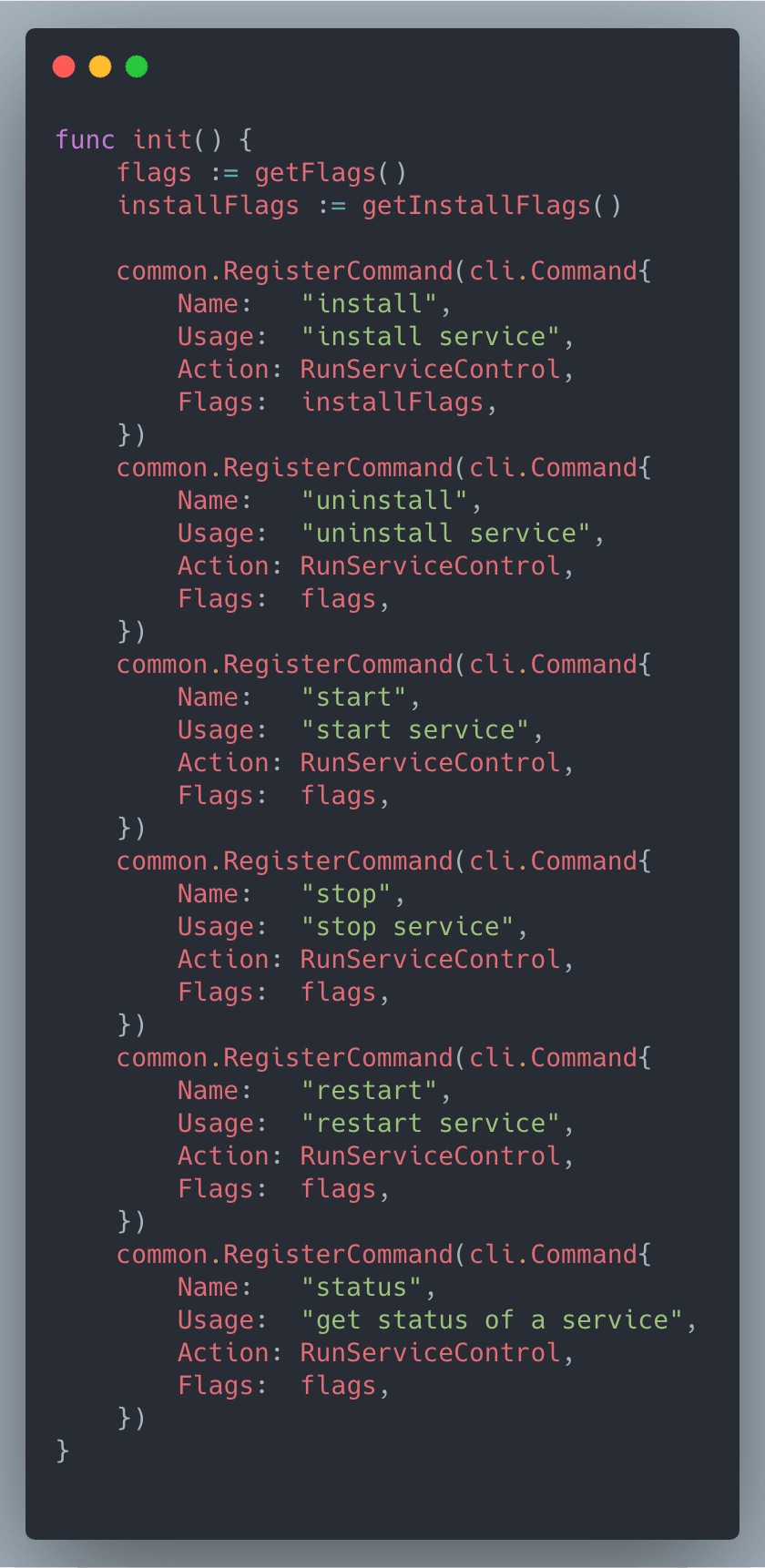
The other commands are mostly registered here. Ignore those for now and look at install and start.
Both of them run RunServiceControl. That function is short:
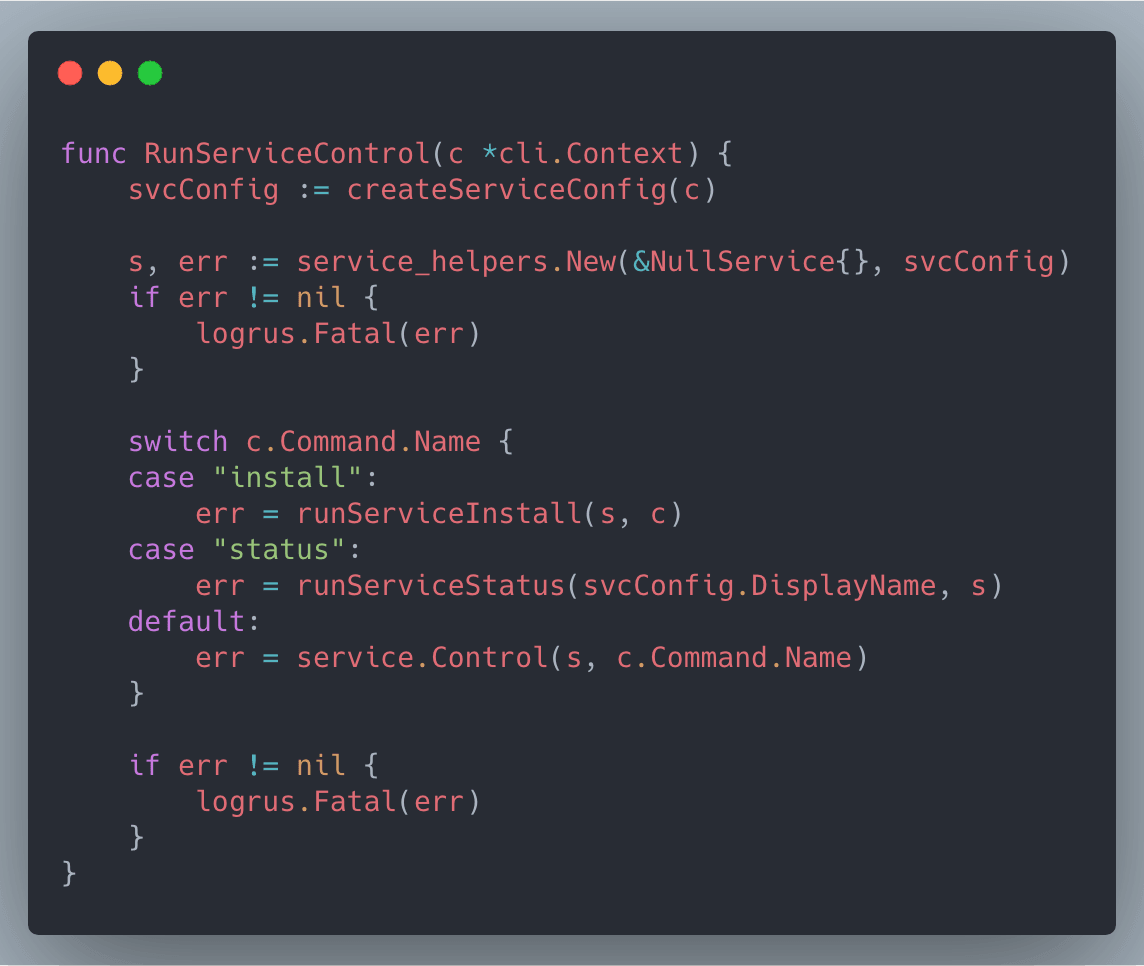
install is special: it also calls runServiceInstall, which checks config.toml and the current user. Not much to say. It then calls service.Control(s, c.Command.Name). That method comes from github.com/ayufan/golang-kardianos-service (opens in a new tab), a library for registering OS services. So gitlab-runner install is registering a service whose job is to keep gitlab-runner running in the background and start it on boot.
After the service is registered, gitlab-runner start starts it.1
When we call service.Control(s, 'start'), it runs s.Start(), which starts the service. Starting a service also needs a command line, so the system knows which command is the service. The code is:
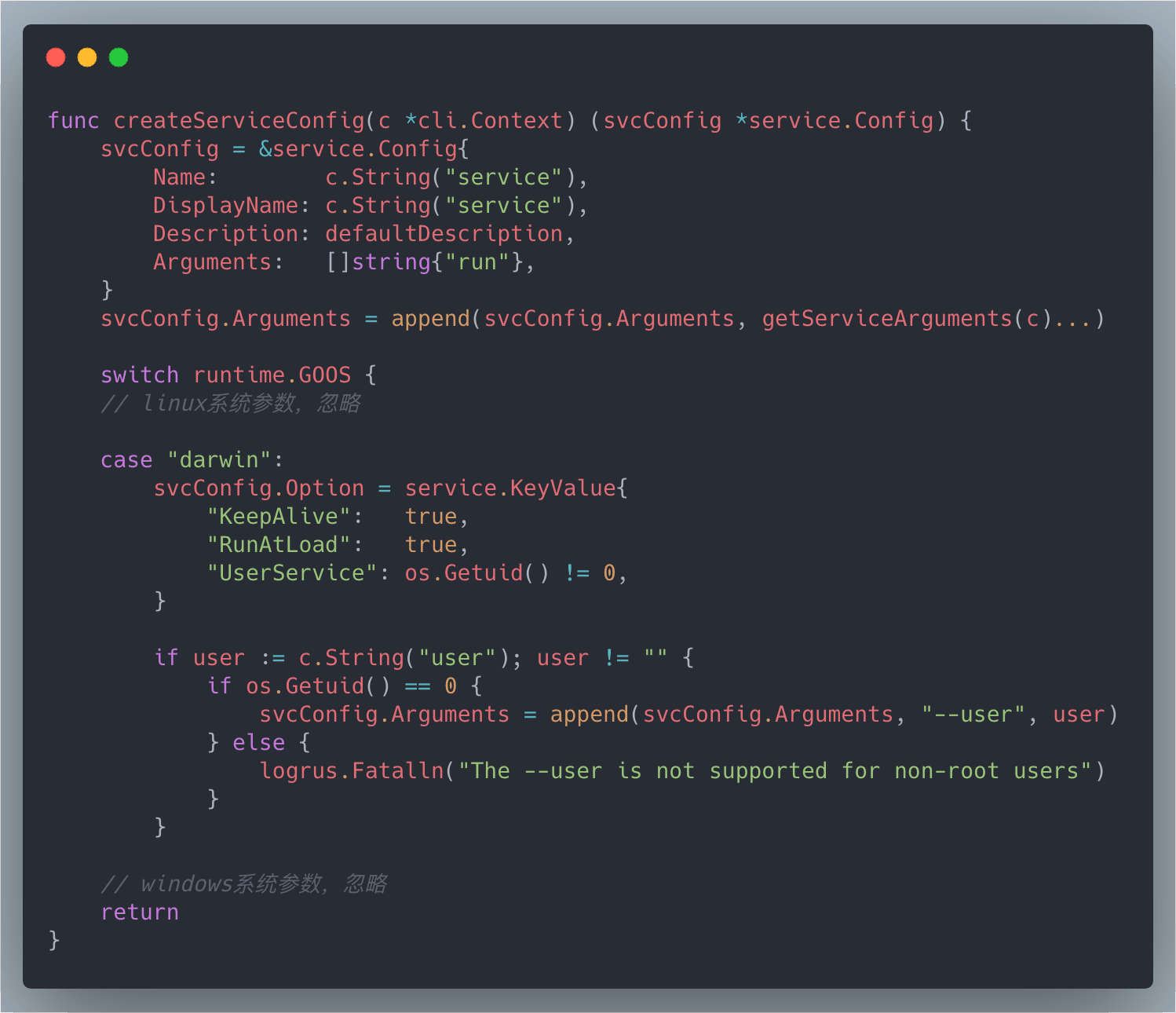
Arguments is an array. The first element is run, and the rest are run’s flags.
So when we use gitlab-runner start, internally it uses run as the service command. Here’s Run:
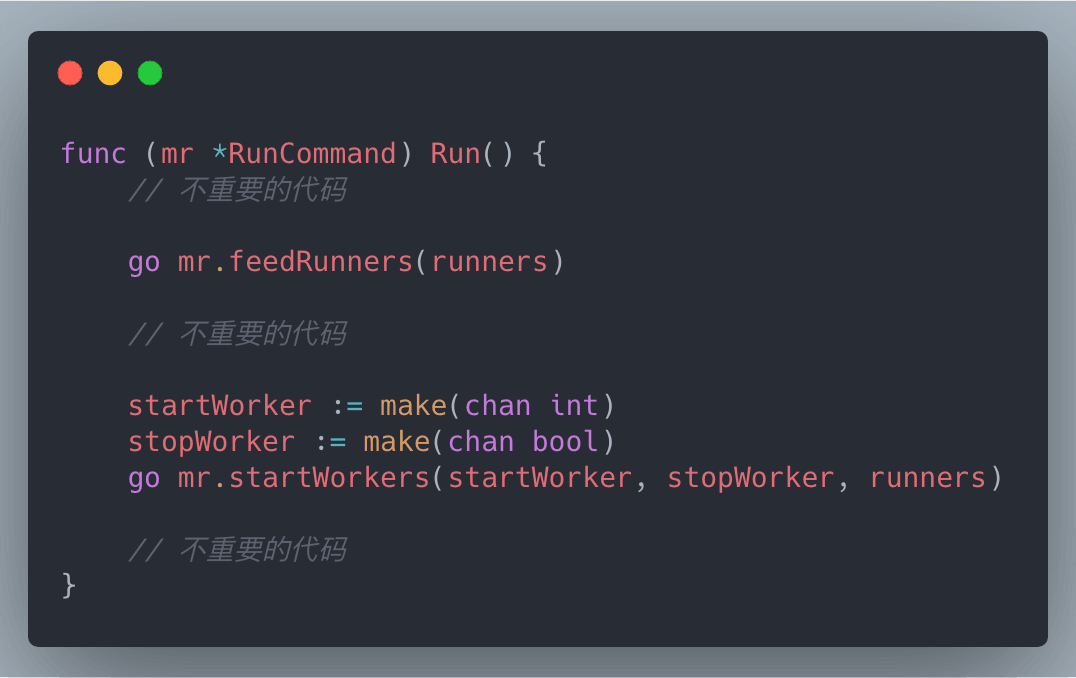
mr.feedRunners(runners) is just a heartbeat. Nothing to say.
mr.startWorkers(startWorker, stopWorker, runners) is the main path. After 5 or 6 calls, it ends up in RequestJob. That’s the real work.
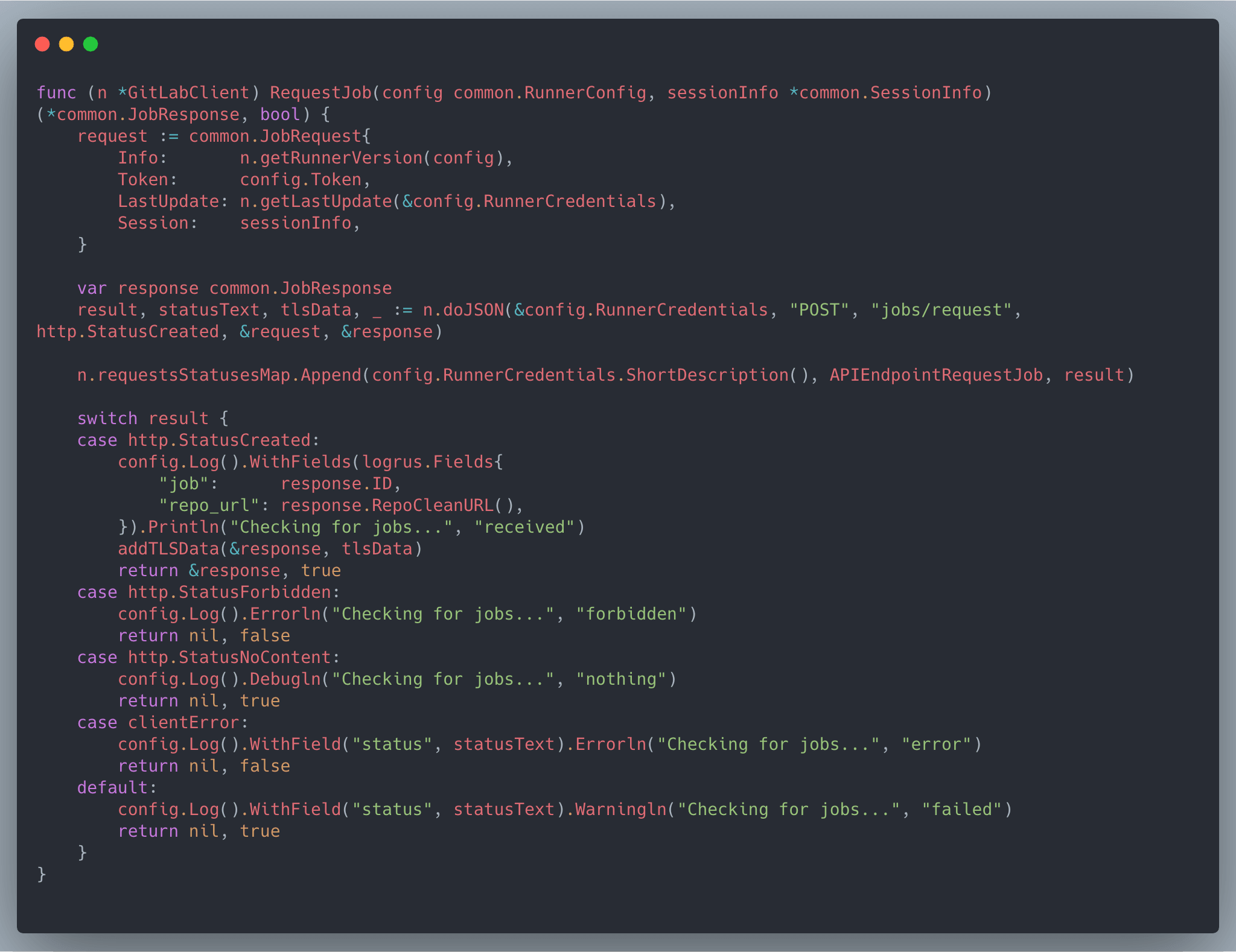
This sends a request asking GitLab whether there is a new job. If there is, it returns the response.
Somewhere on the call chain, a method loops this function, which is how you get polling.2
The end result: after gitlab-runner starts, it keeps polling GitLab, asking whether there is a new job.
Footnotes
Reply to this post on X (opens in a new tab)View as Markdown