
How to log in to Thunder under Debian
Intro
Today I saw someone share the movie “Now You See Me 2” on Qzone.

mongoose has been annoying me these past few days, and I wanted to watch a movie to relax, but I still have to write code, so I figured I would download the movie and watch it after the bug was fixed. So here comes the problem.
Download Thunder
Maybe it is a regional thing, but Thunder from the official site is very slow, so I used Baidu Manager to download it. fuck me down XunLei (opens in a new tab)
Setup
Just use Wine to run the exe. I will not cover that here. Look it up on Baidu yourself.
Install notes
Do not use sudo wine Thunder_9.0.12.332_baidu.exe. Use wine Thunder_9.0.12.332_baidu.exe, or Thunder will be installed under the root user.
How to launch
After Thunder is installed, it puts a shortcut on your desktop. If it does not, do what I did:
-
cd ~/.wine/drive_c/Program\ Files\ \(x86\)/Thunder\ Network/Thunder9/Program/ -
wine Thunder.exe
Then it started successfully.
Like this:
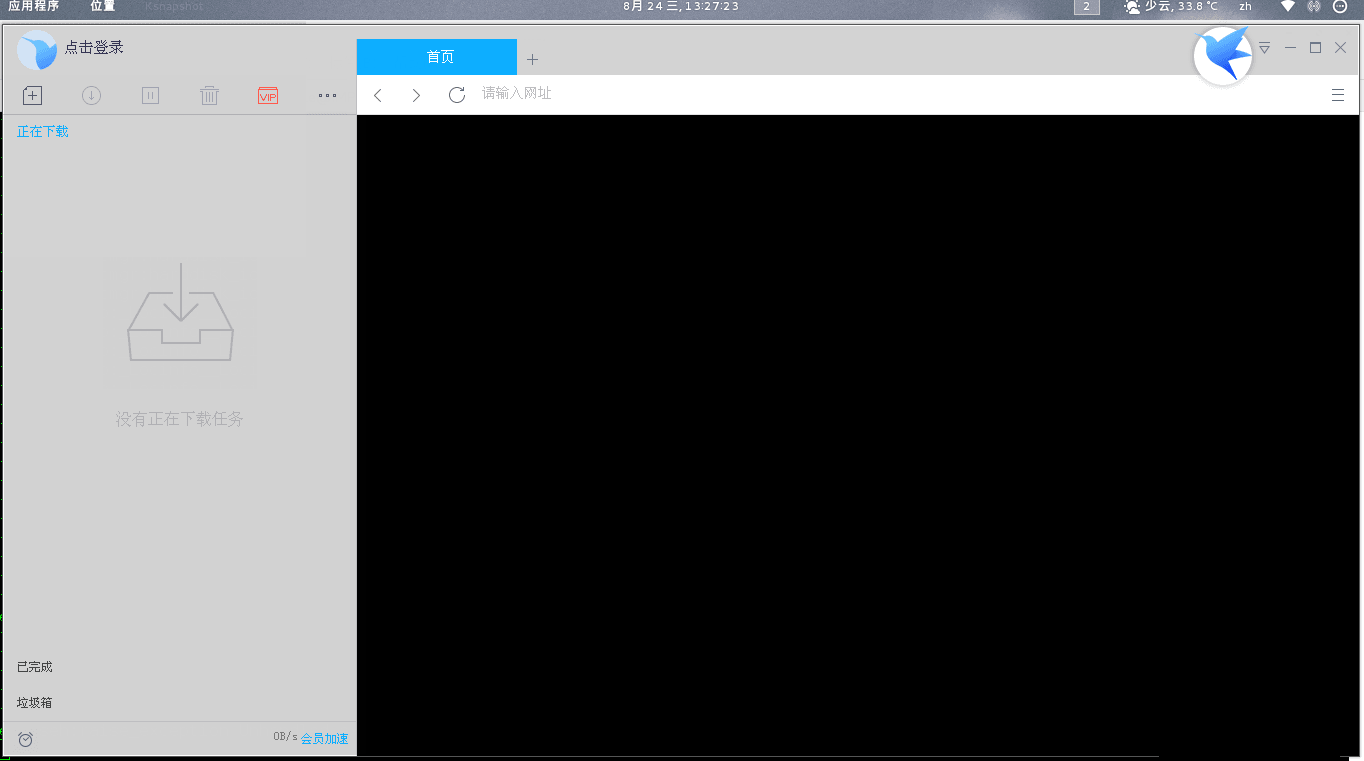
Why is there a black window?
The black window is a browser, Thunder’s bundled XBrowser. My guess is it is a DLL issue. When I have time, I will find a Windows machine and see which DLLs this browser depends on. The browser does not matter. You can still download without it.
Login
Here is the important part. When you click login, it asks for the account and password.
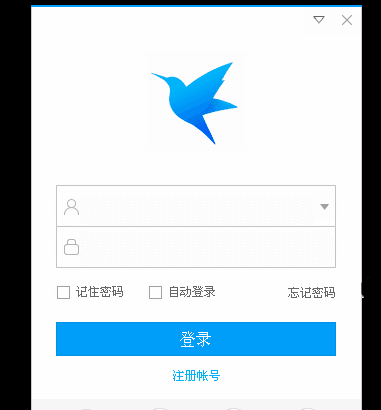
You will notice that the string you type does not show. Don’t panic. It is like typing a password in a Linux terminal. You did type it, it is just invisible. Then you can log in. But sometimes a captcha box shows up.
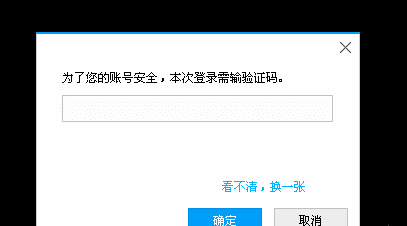
Then you find, annoyingly, that the captcha has gone to shit. So now we solve that. Think about how a captcha works. When I click “Can’t see it, get another”, it must send a packet, then return a new captcha packet. We only need to intercept that data. I used Wireshark to capture packets.
To install Wireshark on Debian, add the Kali repos, then sudo apt-get update&&sudo apt-get install wireshark is enough. Remember to run it with sudo wireshark.
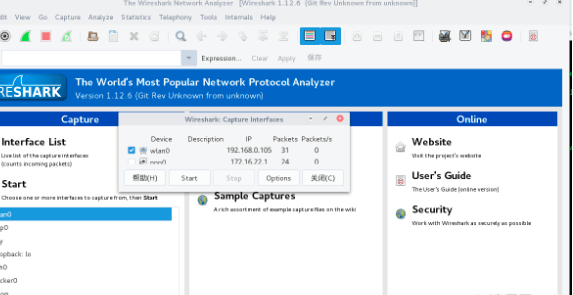
My interface here is wlan0. Yours may differ. Pick the one that looks right.
Then you will see a lot of packets.
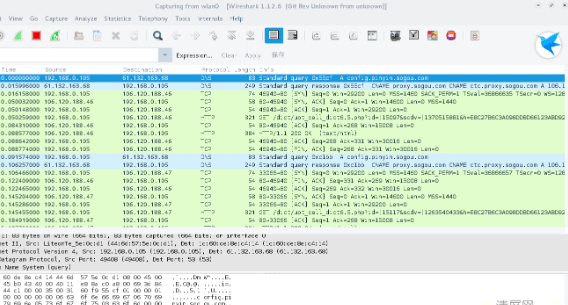
At this point, in Filter, enter http&& http contains "image/jpeg"
Then open Thunder and log in. When the captcha shows up, switch back to Wireshark and look.

Select it (click once so the background turns blue).
Then File->Export Objects->HTTP
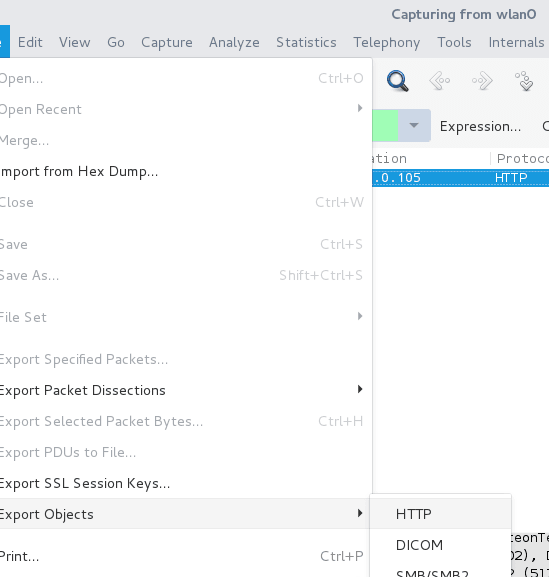
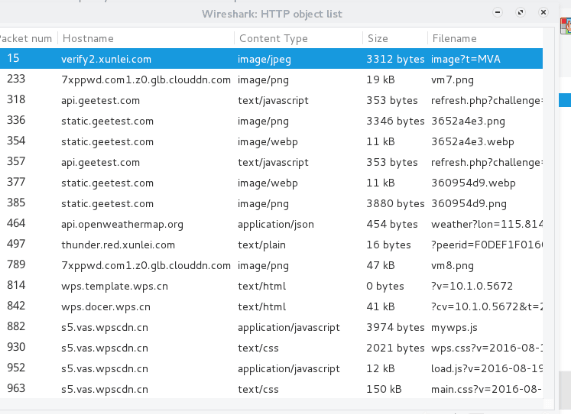
Select the one whose address is verify2.xunlei.com and whose Content Type is image/jpeg, then save as xx.jpg.
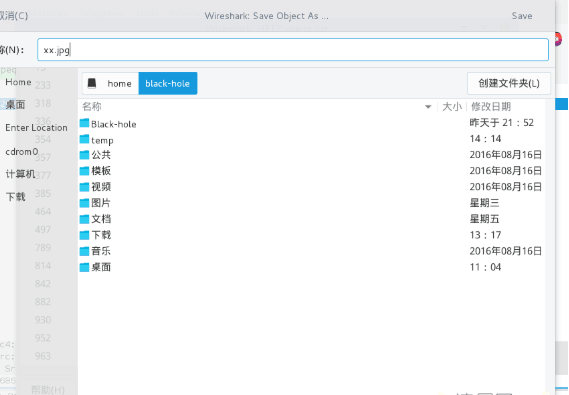
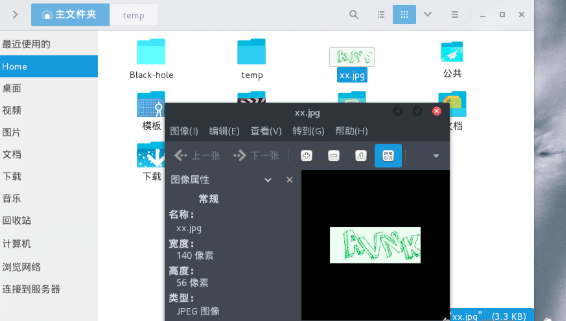
Use the captcha to log in.
Reply to this post on X (opens in a new tab)View as Markdown